 ZapMate
Your playlist deserves a better player.
ZapMate turns the playlist from your TV provider into a fast, clean TV experience: live channels with instant preview, a full programme guide, movies and series.
No ads. No account. No tracking. ZapMate ships with no channels: you add your own playlist.
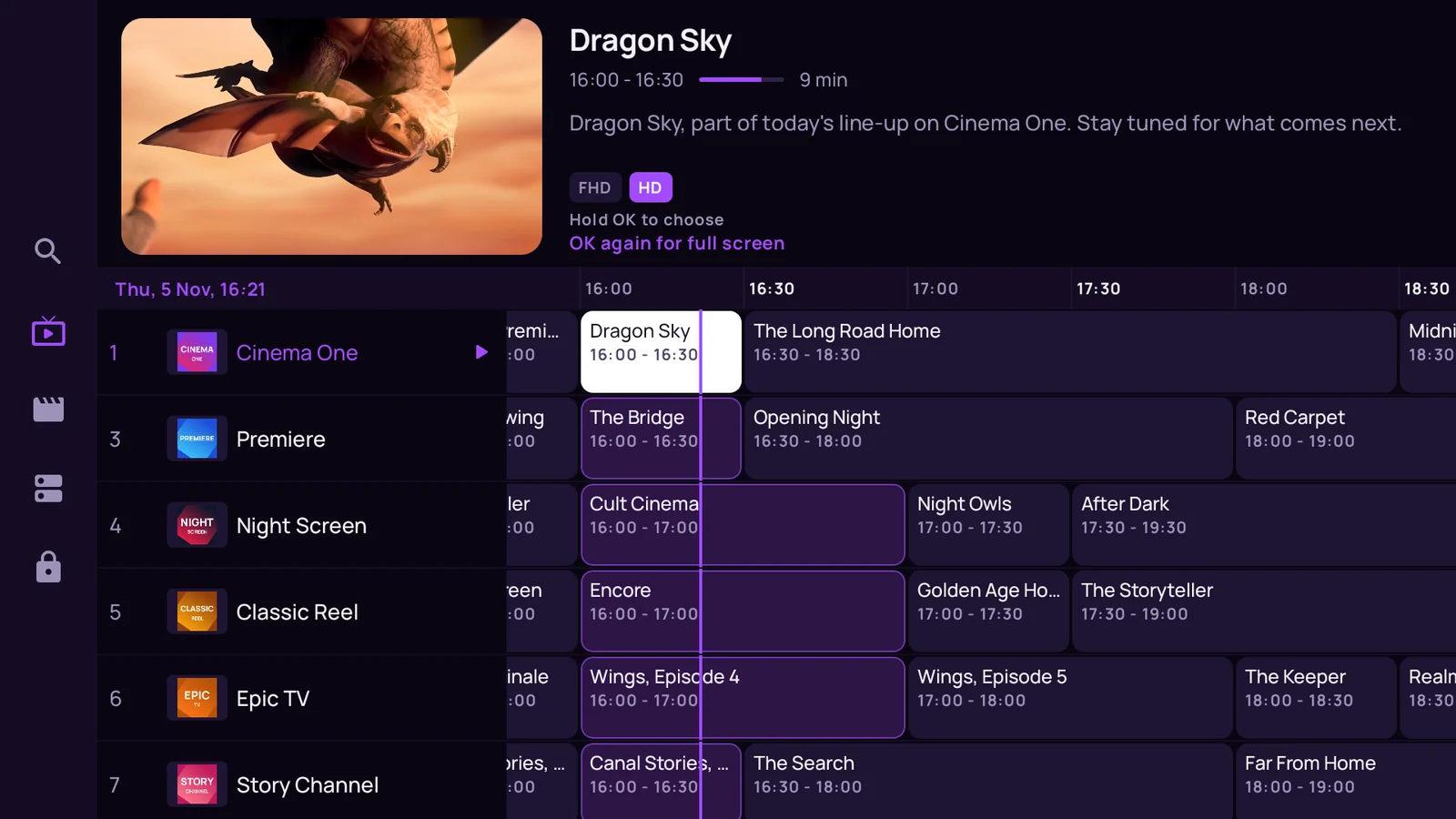
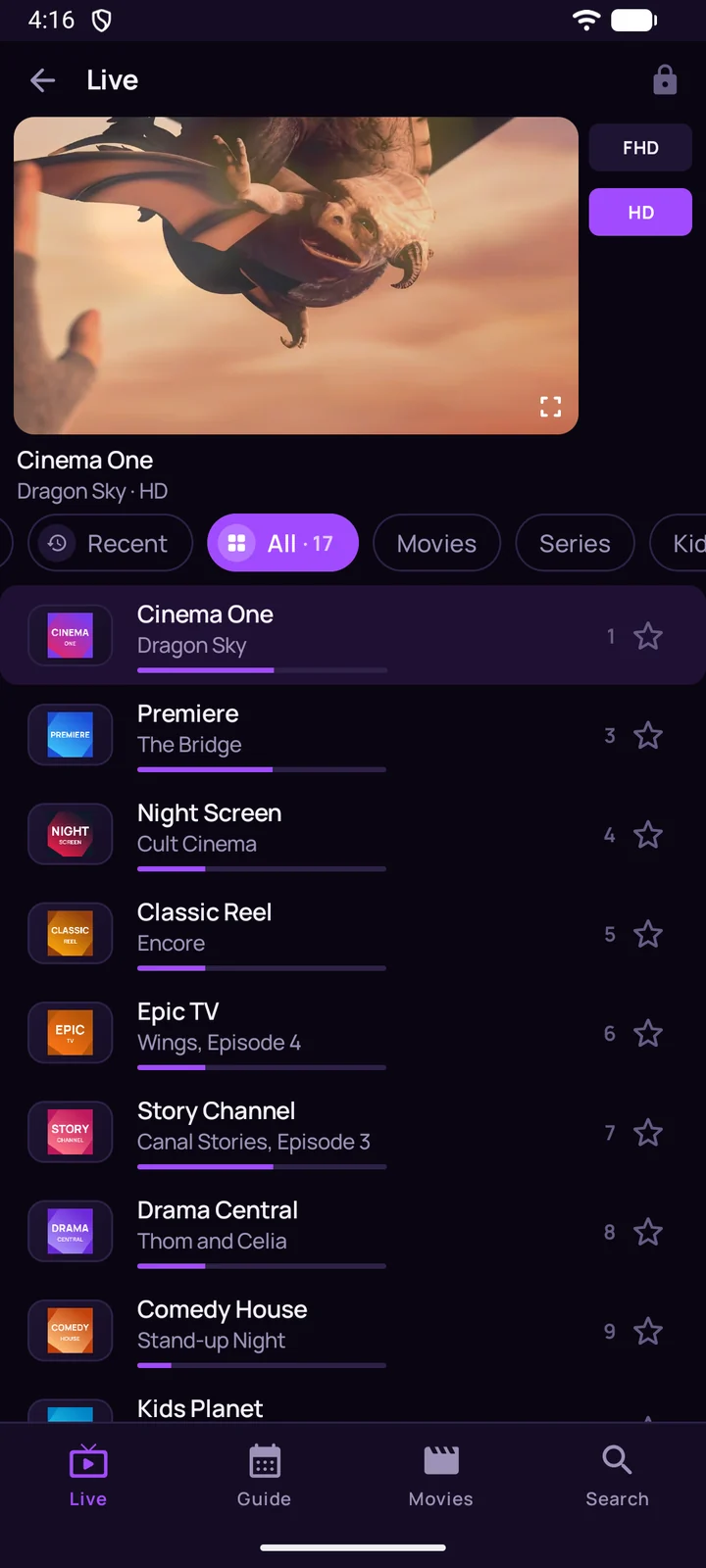
Zap like you mean it.
Tap a channel and it plays right there, above the list, while you keep browsing. One more tap takes it full screen. ZapMate keeps a single warm player running, so changing channel feels immediate.
- See what is on. Every row shows the programme playing now and how far along it is.
- One row per channel. SD, HD and FHD versions of a channel fold into one row with a quality switch.
- Your channels first. Favorites and recently watched are always one tap away.
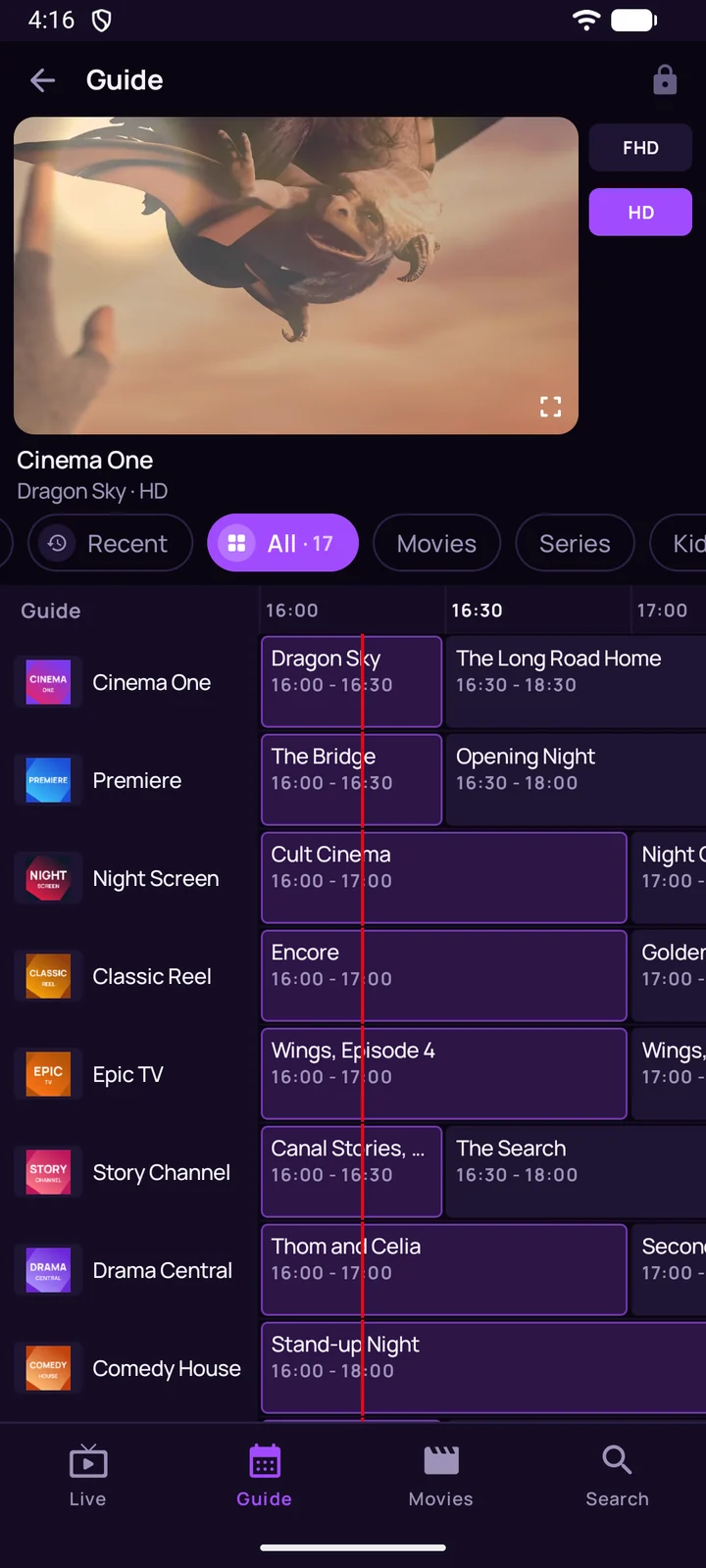
A guide that reads like a TV guide.
When your provider sends guide data, ZapMate lays it out on a timeline: what is on now, what comes next, and the rest of the day. It loads while it downloads, even for very large playlists.
- Catch-up, where offered. If your provider keeps past programmes, pick one from the guide and watch it.
- Keep watching. The preview keeps playing while you look through the schedule.
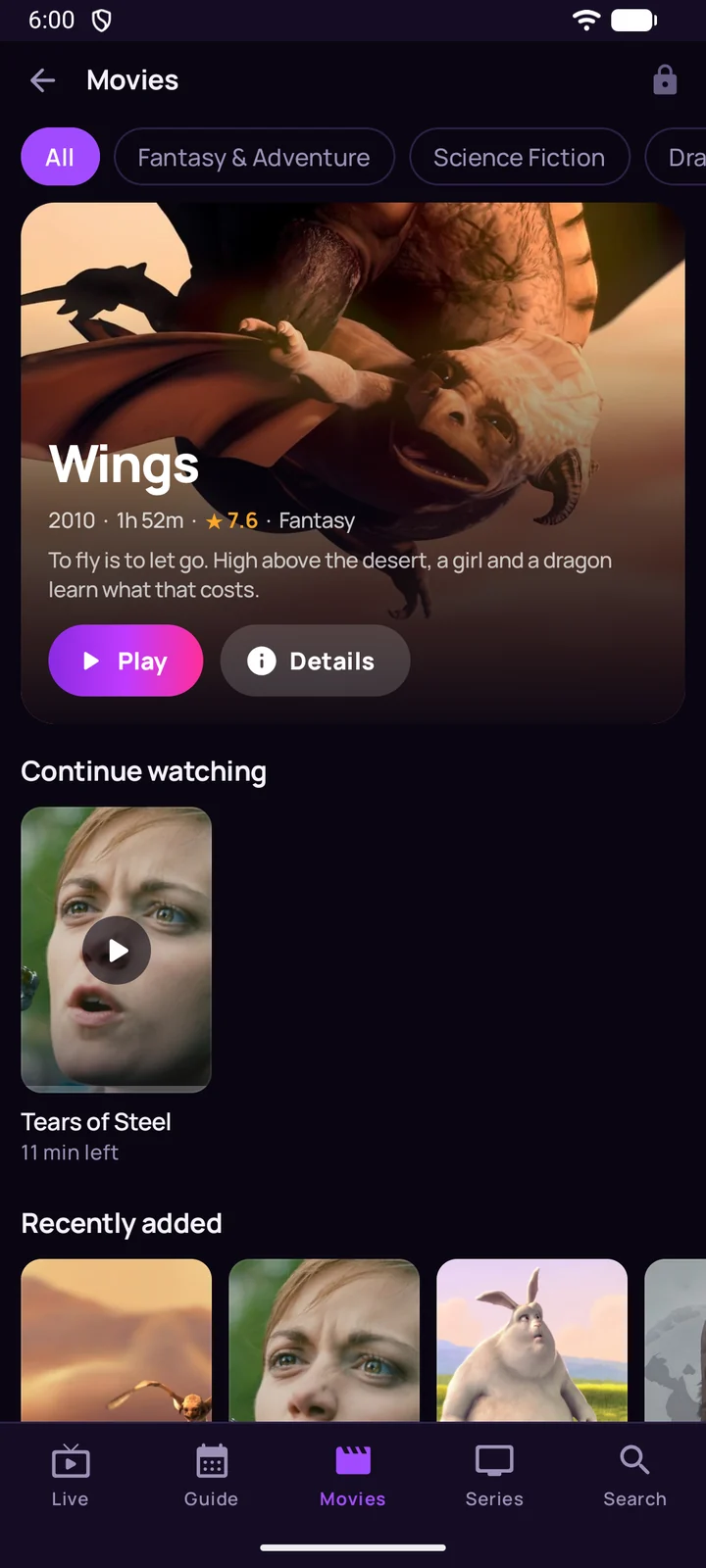
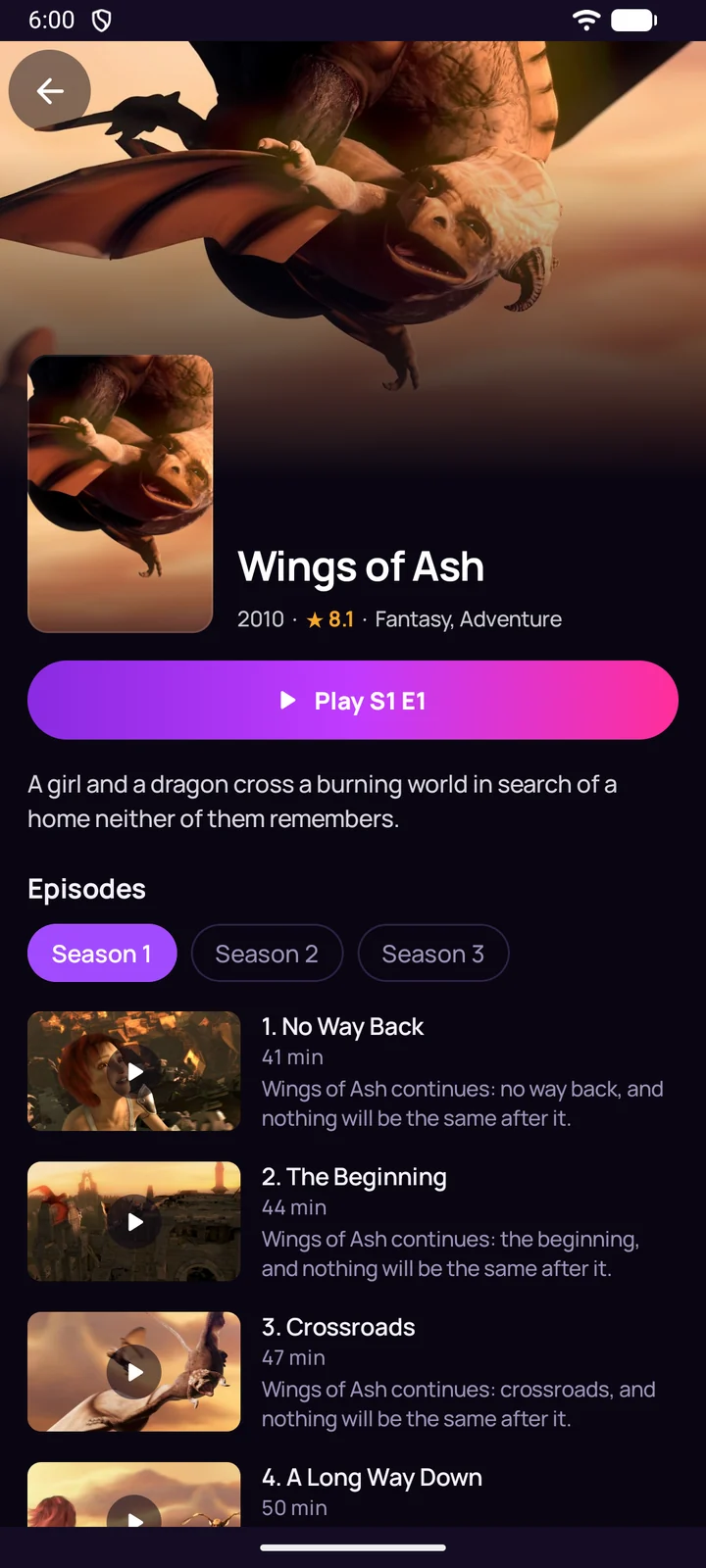
Your library, with its artwork.
Movies and series from your playlist appear with a featured title and rows of posters by category, with their descriptions, seasons and episodes. Continue watching takes you straight back to where you stopped.
- Find it fast. Search your channels, movies and series by name.
- Audio and subtitles. Switch language tracks and subtitles from the player.
One app, made for every screen.
On a TV, ZapMate is built for the remote: a preview and a guide grid you move through with the arrows. On a phone it works upright and on its side. It is the same app, with your playlists set up once per device.
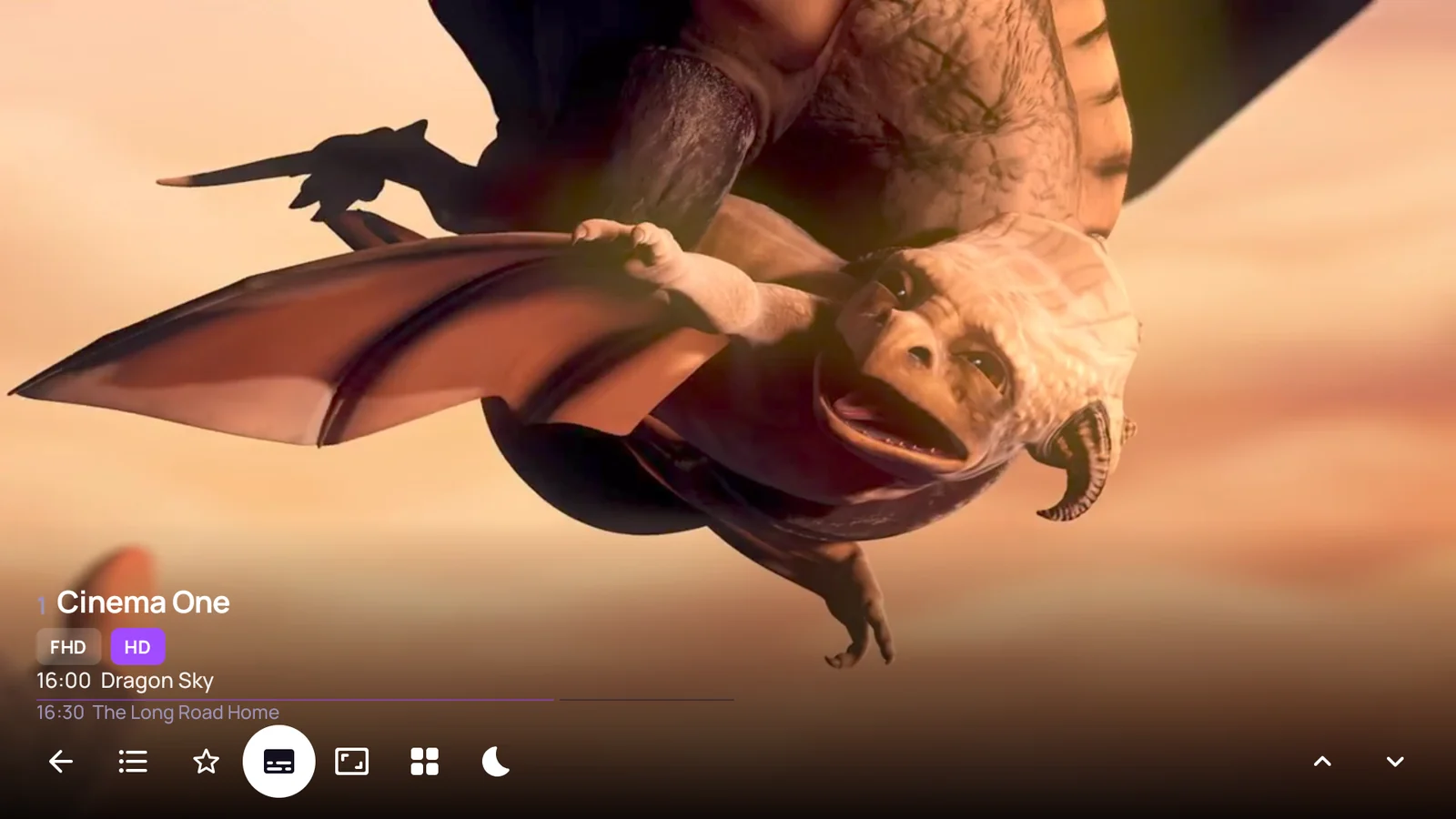
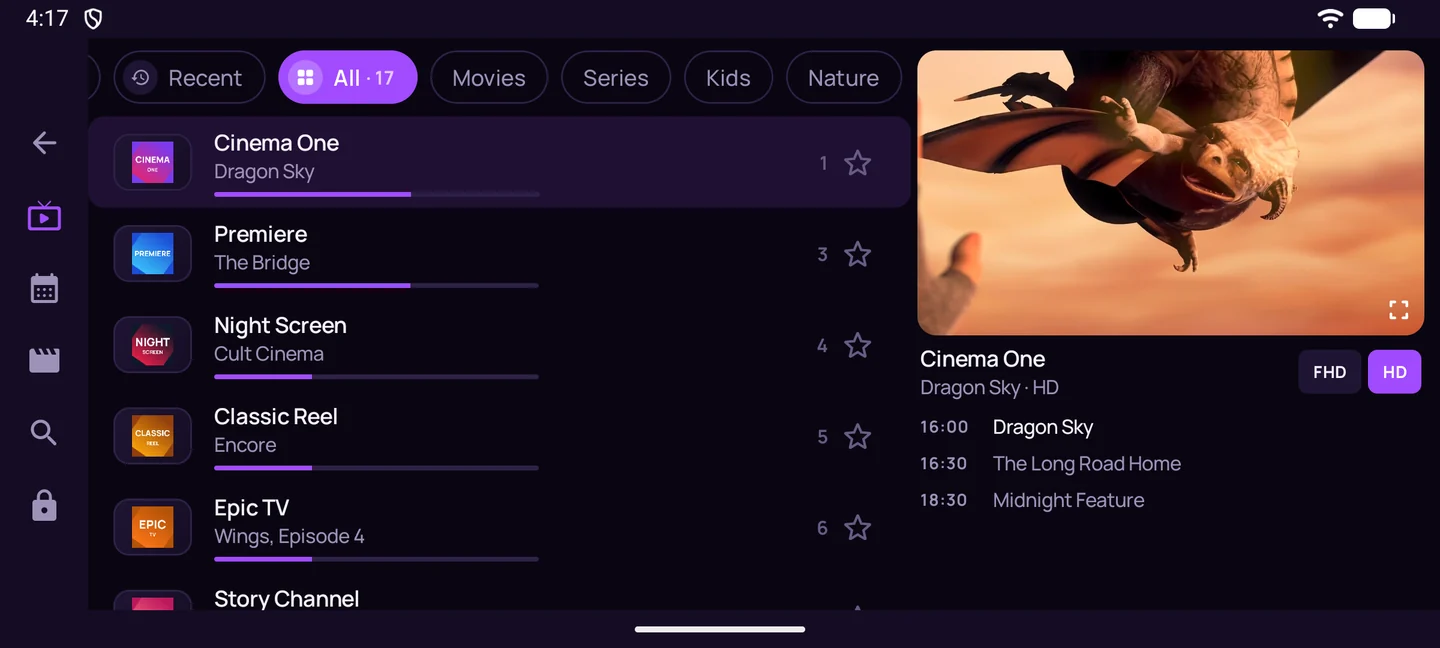
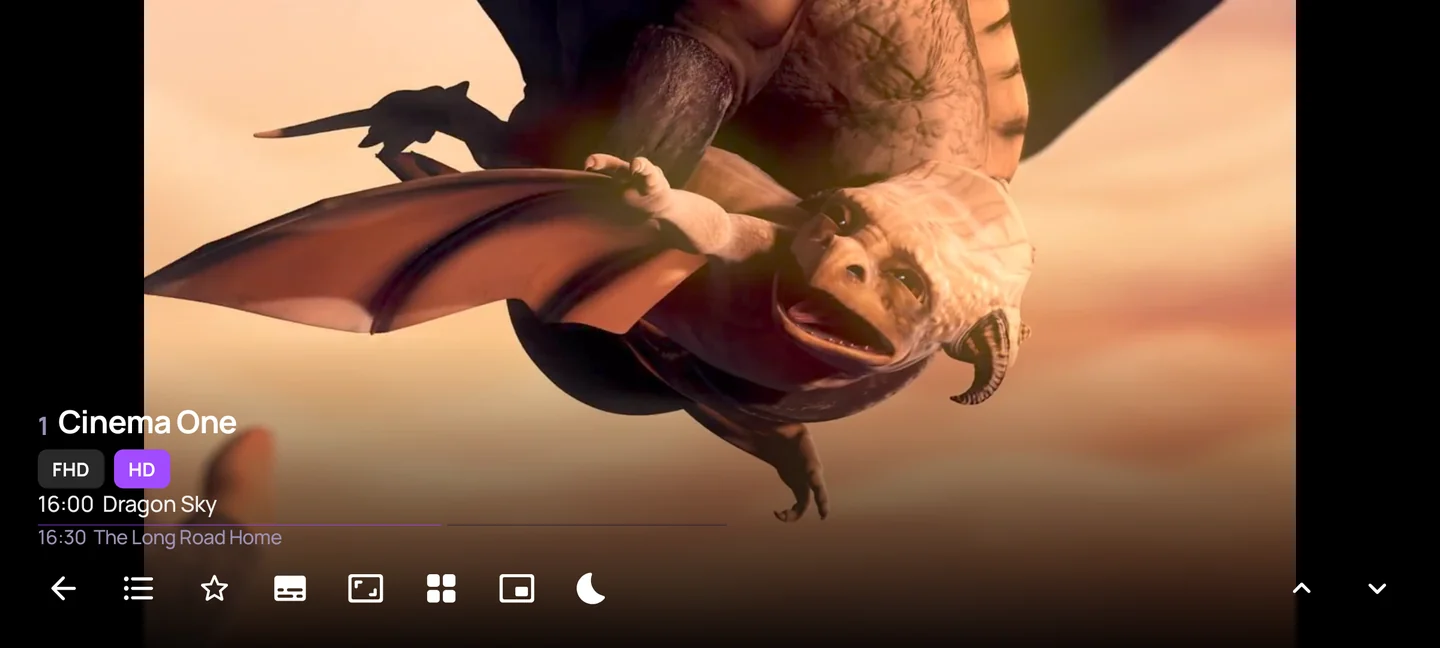
Screens show demo channels. Pictures are from the open movies Sintel, Tears of Steel and Big Buck Bunny, © Blender Foundation, CC BY 3.0.
Everything a daily player needs.
Multiview
Watch several channels on one screen and switch the sound between them.
Picture in picture
Keep the channel in a corner of your phone while you do something else.
Parental lock
Lock the groups you choose behind a PIN. Adult groups are locked from the start.
Your quality
Start channels in data saver, HD or the best available, and change it any time.
Favorites and recents
Star the channels you watch and get back to the last ones in a tap.
Private by design
No ads, no accounts, no analytics. Your playlists stay on your device.
Plays what your device cannot.
ZapMate uses your device's own video hardware first, for smooth playback and low battery use. When a channel or a file uses a format the device has no decoder for, ZapMate's built-in decoders take over by themselves.
Software decoding needs more processing power than hardware decoding, so very high resolutions may not play smoothly on older devices.
A player, not a provider.
ZapMate is a media player. It does not include, sell or recommend any channels, streams or subscriptions.
How it works
- Get a playlist from a TV provider of your choice. Most give you a server address with a username and password, or an M3U link.
- Add it in ZapMate. Channels, guide and movies load in the background.
- Watch. Add more playlists whenever you like and switch between them.
What that means
What you can watch depends entirely on the playlist you add. You are responsible for having the right to use it.
ZapMate talks only to the servers in your playlists. We run no server that sees what you add or what you watch.
Read the details in the privacy policy.

Coming soon on Google Play.
ZapMate is in testing for Android phones, tablets and Android TV. Questions, or want to help test it? Write to support@zapmate.net.